Documentation
How Can We Help?
Search our knowledge base for guides, tutorials, and policy information.
Quick Start Guide
Welcome to sub2unlock.pro! We help creators grow their audience by exchanging premium value (files, keys, guides) for social engagement. Here is how to get up and running in 2 minutes.
- Prepare your content: Have the URL of the file you want to share ready (e.g., Google Drive, Dropbox, Mediafire).
- Choose your growth channel: Decide if you want YouTube subscribers, Instagram followers, or TikTok likes.
- Generate: Use the tool on the homepage to merge these two URLs into one "Smart Link".
How It Works
A sub2unlock link is a locked landing page that sits between your visitor and your real content. When someone clicks your link, they land on a short page asking them to subscribe, follow, or join the platform you picked. Only after they complete that action does the real download or destination URL appear.
This turns every download into a growth opportunity: instead of visitors grabbing a file and leaving, they follow your channel first. If you create a free account, each unlock can also earn you a CPM payout, so your existing traffic starts generating revenue as well as subscribers.
The typical flow
- You paste your social URL and your content URL into the generator.
- We create a short, shareable link and a locked landing page for it.
- Your visitor completes the action (subscribe, follow, join).
- The real content link is revealed instantly — no waiting, no captchas.
Creating Effective Links
To maximize your conversion rate (the percentage of people who actually subscribe), follow these best practices.
Your link title is the first thing users see. Instead of "My File", use descriptive titles like "Free 4K Texture Pack (2026)" or "Exclusive Skin Code - Unused". Clear value propositions increase trust.
Match the platform to your audience. If you are sharing a gaming mod, YouTube Subscribe is usually best. If you are sharing lifestyle presets, Instagram Follow works better.
Customizing Appearance
Every link gets a custom alias, a title, and a locked landing page that reflects the platform you chose. A few settings you can control:
- Custom alias: Set a memorable short link instead of a random string (e.g. sub2unlock.pro/my-preset-pack).
- Title: Shown on the landing page and in your dashboard — use it to describe exactly what the visitor is unlocking.
- Multiple actions: Combine platforms, like YouTube Subscribe + Telegram Join, on a single link if you want to grow more than one channel at once.
Registered accounts unlock further editing — you can update the destination URL or title on an existing link at any time without breaking the shared link.
Platform Compliance
We take safety seriously. sub2unlock.pro is designed to be compliant with major platform policies.
What is allowed?
- Sharing original content you created.
- Sharing public domain content.
- Links to legitimate software or creative commons assets.
What is prohibited?
- Malware, viruses, or phishing links.
- Adult content or NSFW material.
- Copyrighted material you do not own (see Copyright & DMCA below).
- Misleading titles (clickbait).
Copyright & DMCA
sub2unlock.pro respects intellectual property rights and expects creators using our platform to do the same. You may only lock content that you own, have a license to distribute, or that is in the public domain.
Filing a takedown request
If you believe a link on sub2unlock.pro points to content that infringes your copyright, send a DMCA notice to privacy@sub2unlock.pro or use the DMCA/Legal topic on our contact page. Include the infringing link, a description of your copyrighted work, and your contact details so we can verify and act on the report.
Repeat infringers
Accounts found repeatedly sharing infringing content will have their links disabled and their account suspended. We review every report manually and respond within a few business days.
Frequently Asked Questions
Yes! sub2unlock.pro is 100% free for standard use. Registered accounts can additionally earn CPM revenue from unlocks.
Guest users cannot edit links. However, if you create a free account, you can edit the destination URL and title of your links at any time from your dashboard.
Sometimes browser extensions (ad blockers) can interfere with the verification process. Ask your users to disable blockers or try a different browser if they face issues.
Still need help?
Our support team is ready to assist with account issues, technical bugs, or copyright reports.
Contact SupportBlog
Latest Articles & Guides

How to Earn Money from Home Without Any Investment
How to Earn Money from Home Without Any Investment Working from home has become more accessible than ever bef...
Read Article →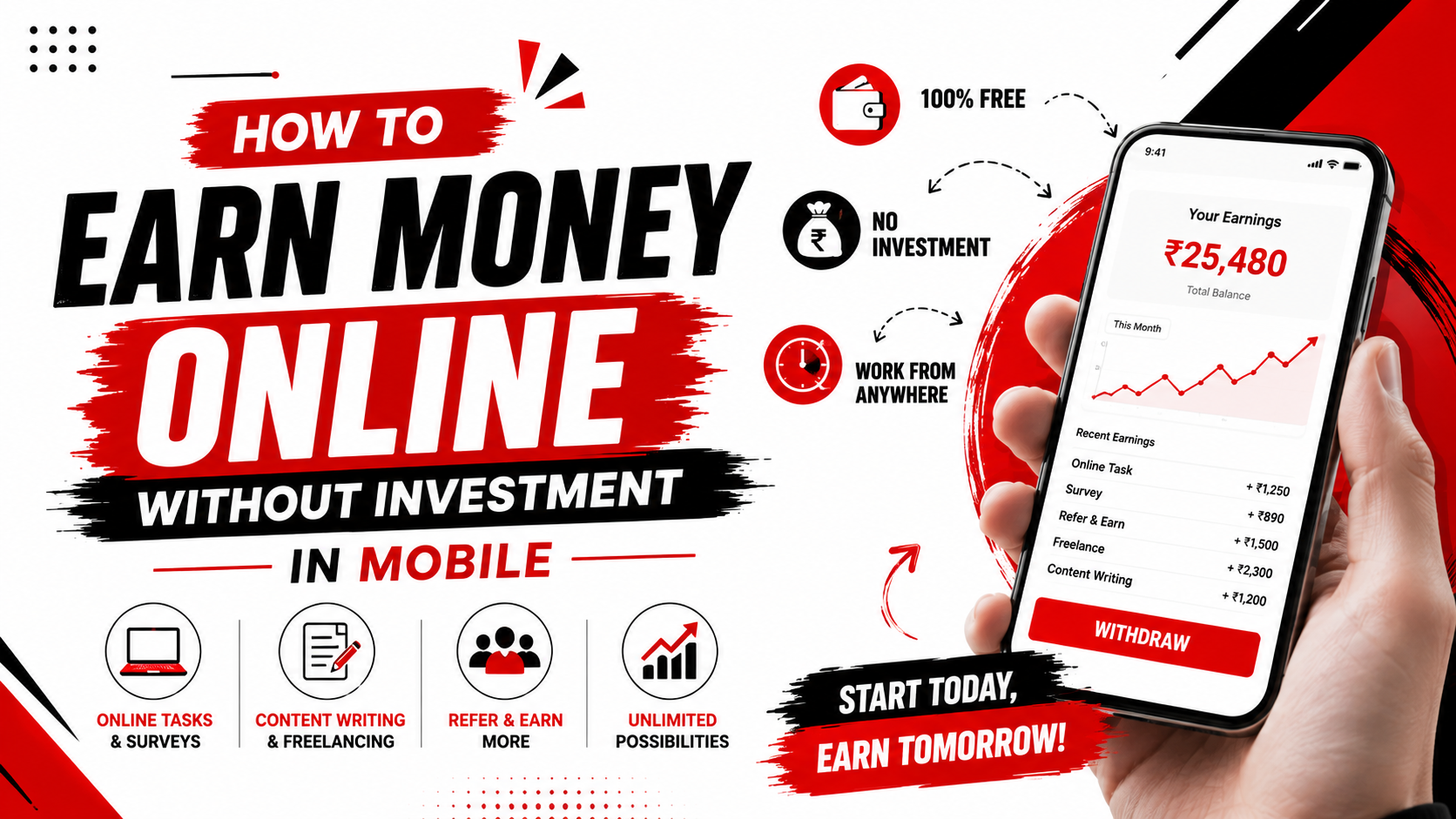
How to Earn Money Online Without Investment in Mobile
How to Earn Money Online Without Investment in Mobile A smartphone is no longer just a device for chatting, w...
Read Article →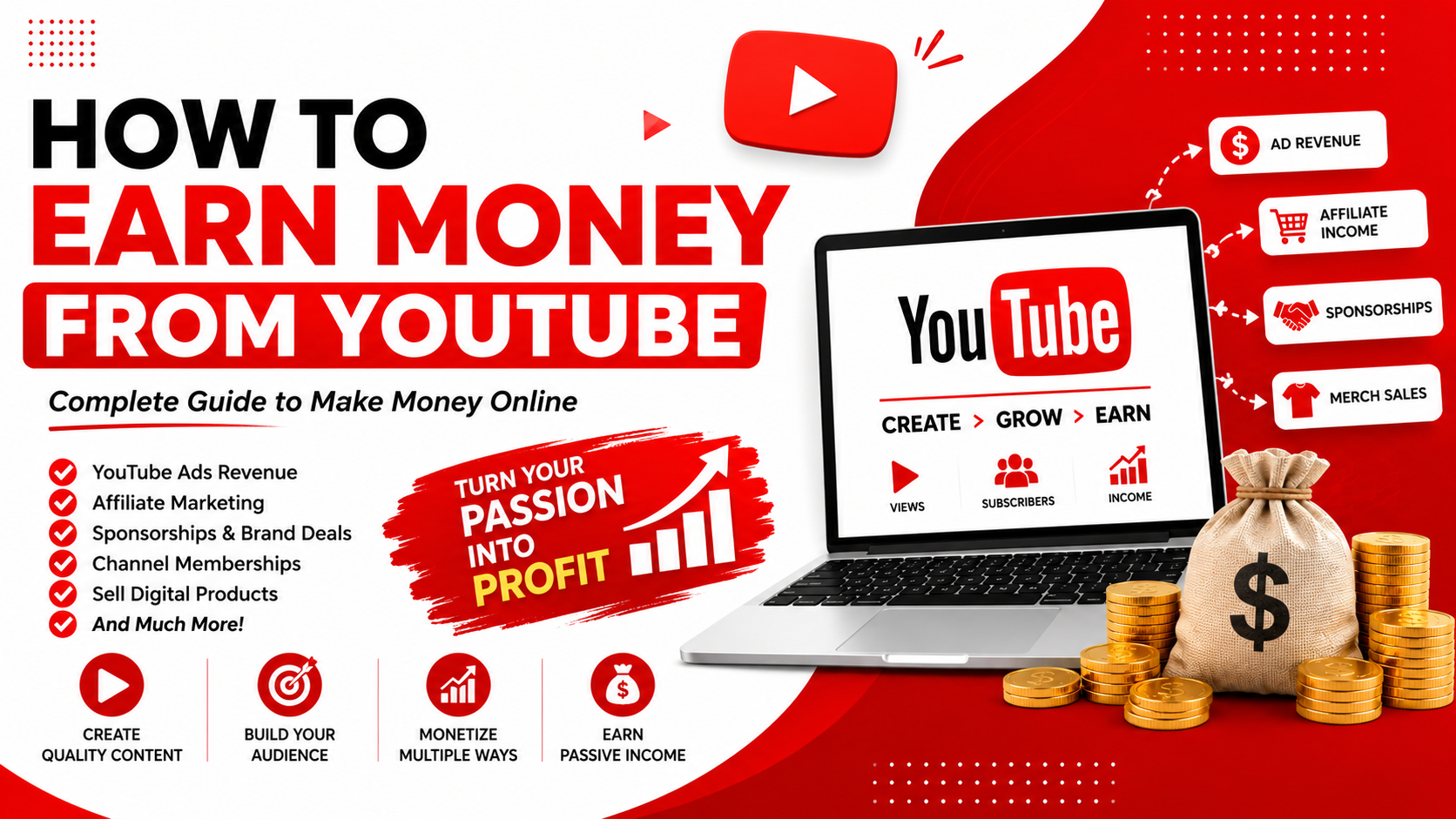
How to Earn Money from YouTube
How to Earn Money from YouTube YouTube has evolved from a simple video-sharing platform into one of the world...
Read Article →Resources
Everything You Need to Succeed
The sub2unlock.pro Help Center is your central resource for understanding how our platform works, how to maximize your earnings, and how to troubleshoot any issues. Our documentation is written for creators of all experience levels — from those setting up their very first link to experienced users managing hundreds of active links across multiple platforms.
❓ FAQ Page
Quick answers to the most common questions about sub2unlock.pro.
💬 Contact Support
Get personalized help from our support team within 24 hours.
📖 Creator Blog
In-depth guides on growing your audience and earning from content locking.
If you cannot find an answer here, our support team is always available through the contact page.